
Thermal Receipt Printers

Bluetooth Receipt Printers

Wireless Receipt Printers

Network Receipt Printers

Dot Matrix Receipt Printer

Deliverect Receipt Printers

UberEats Receipt Printers
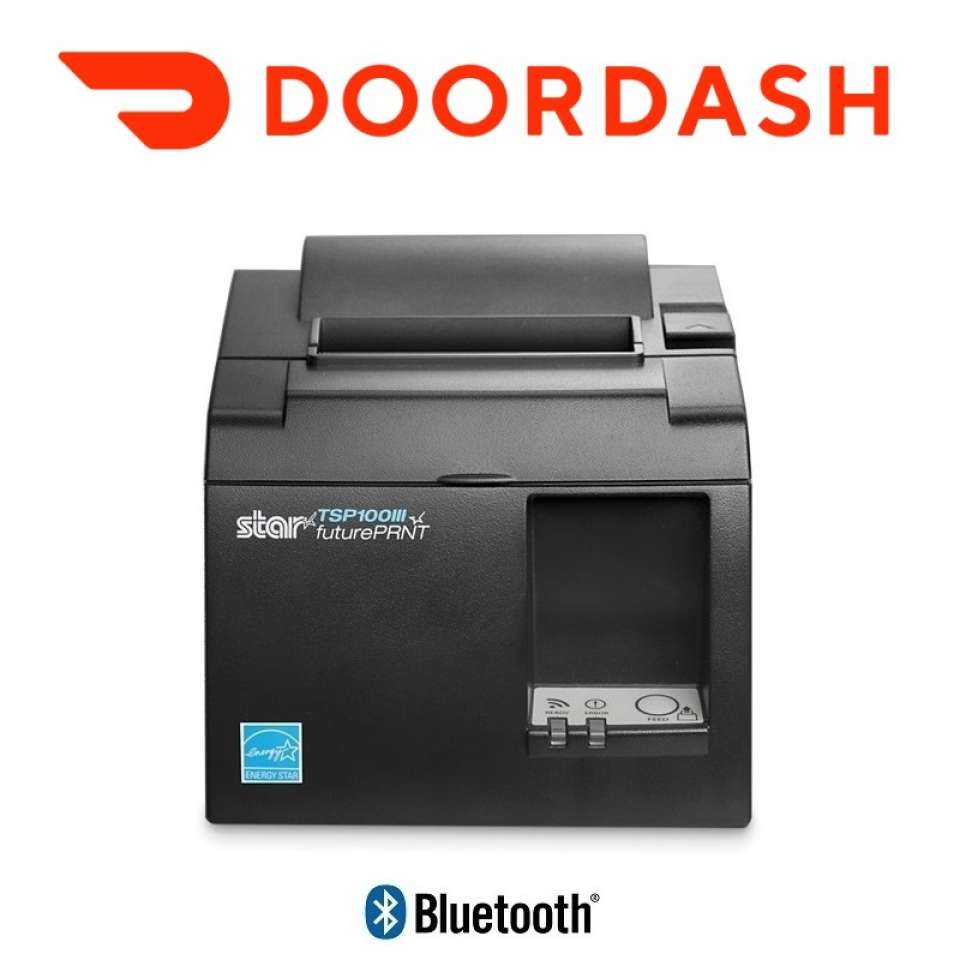
DoorDash Printers

Byto Order Printers

OpenTable Chit & Receipt Printers

WOWAPPS Order Printers

Mr Yum Printers

Hubster Printers

Deliveroo Printers

Uorda Printers

Bopple Printers

GloriaFood Printers

Linerless Thermal Printers

Mobile Receipt Printers

Intelligent Receipt Printers

Kiosk Receipt Printers

Receipt Printer Accessories

Interface Boards

Receipt Printer Spare Parts
All about Receipt Printers
A Receipt Printer is a major peripheral when it comes to Point of Sale (POS). They are commonly used in Retail & Hospitality Environments to print customer receipts.
Buy receipt printers and point of sale printers for retail stores, cafes, and restaurants across Australia. Each POS printer produces customer receipts, EFTPOS payment slips, and kitchen dockets quickly and quietly. Every desktop receipt printer listed features an integrated auto-cutter and local warranty support.
When buying a Receipt Printer, there are quite a few things you will need to consider.
Which Interface to select - You can purchase a range of connection types including USB, Serial (RS232), Parallel, Bluetooth, Ethernet (LAN) or Wireless (WiFi).
Printer Speed - In fast service, you need fast printing and reliability so although some printers may be more expensive on the initial purchase, in the long run, it may pay off to get a high volume printer which is faster and reliable.
You may also need to check to ensure that the interface you wish to use is also supported by the software vendor.
Direct Thermal vs. Impact Dot Matrix Comparison:
Direct Thermal Receipt Printers:
- Print Technology: Heat-activated thermal paper with no ink ribbons required
- Heat Resistance: Low (paper will turn black near heat lamps or kitchen steam)
- Multi-Copy Support: Single copy customer receipts only
- Best Used For: Front counter checkouts, retail shops, cafes, and EFTPOS card slips
Impact Dot Matrix Printers:
- Print Technology: Impact ribbon mechanism using plain bond paper
- Heat Resistance: High (paper is completely unaffected by kitchen heat, steam, or heat lamps)
- Multi-Copy Support: Single-ply, 2-ply (white and yellow), or 3-ply duplicate rolls
- Best Used For: Hot commercial kitchen prep stations, grill lines, deep fryers, and pass lamps
Key Features & Specifications:
- High-Speed Direct Thermal Engine: Speeds up to 350mm per second for rapid customer tax invoice printing with custom business logos.
- Impact Kitchen Ribbon Mechanics: Plain bond paper rolls resist discoloration and fading from cooking heat.
- Multi-Interface Options: Choose from USB, RS232 Serial, Bluetooth, Ethernet LAN, or Wireless Wi-Fi connections to suit your POS software.
- Integrated 24V Cash Drawer Kick Port: Standard RJ12 port triggers connected cash drawers or external kitchen buzzers automatically.
- Delivery App Compatibility: Officially certified hardware setups for Uber Eats, DoorDash, and Deliverect tablets.
Does the printer have an Auto-Cutter?
All of our receipt printers for have for sale have an Auto-cutter. All standard desktop receipt printers include heavy-duty internal auto-cutters rated for up to 2 million cuts.
Is the paper Front Exiting or Top Exiting?
Most Receipt Printers have the paper exiting from the top of the paper. There are some areas in which a front paper exiting printer may be most suitable.
While compact cube printers (such as Epson TM-m30III) support front paper exit to fit under counters.
Does the printer have a cash drawer or buzzer port?
Almost every new POS Printer has a "DK" (Drawer kick) port which enables you to connect a 24 Volt Cash Drawer. You can also use this same port for kitchen buzzers (again you will need to check compatibility with the software vendor for the buzzer) which is great for Kitchen or Noisy areas to notify you that the printer has printed the docket.
You can purchase Point of Sale Receipt Printers in a POS Bundle which provides you with a complete POS Solution or compatible hardware for specific software vendors.
Can kitchen buzzers or loud alarm chimes be attached to receipt printers?
Yes. External kitchen alarm buzzers plug directly into the RJ12 drawer kick port, sounding an audible alert whenever a new order prints.
Can these receipt printers trigger my cash drawer to open?
Yes. Desktop printers feature a standard 24V RJ12 drawer kick port that pops open connected cash drawers when a payment completes.
Which connection type should I select for my receipt printer?
USB is ideal for single computer or register counters. Bluetooth connects directly to a single paired tablet. Ethernet LAN or Wireless Wi-Fi allows multiple tablets, computers, and mobile order devices to share one central printer.