AC4133-1871
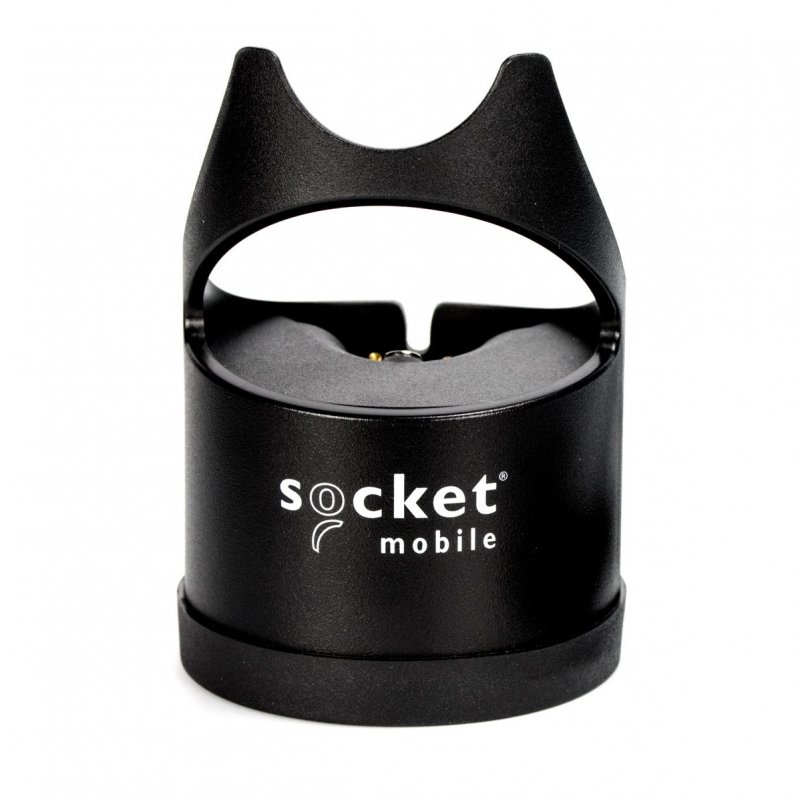
Socket Charging Dock 1-Bay 7/600/700 Series Black
Socket Mobile Charging Dock 1-Bay 7/600/700 Series Black
Normally $165$109GST Inc
CX3811-2571
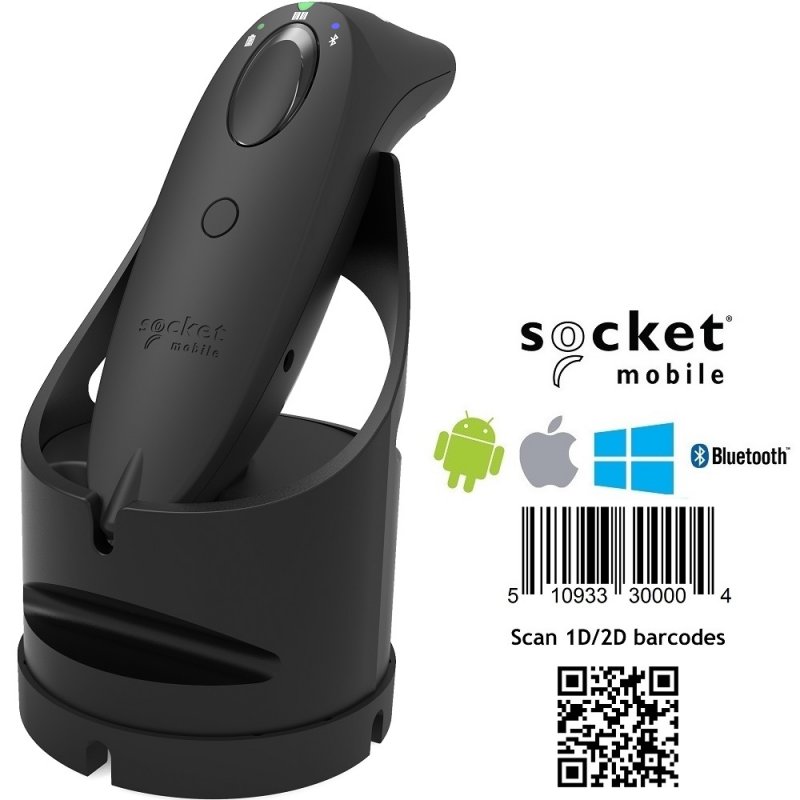
Socket S740 2D Barcode Scanner with Dock Black
Socket S740 2D Barcode Scanner with Dock Black
Normally $795$659GST Inc
CX3444-1907
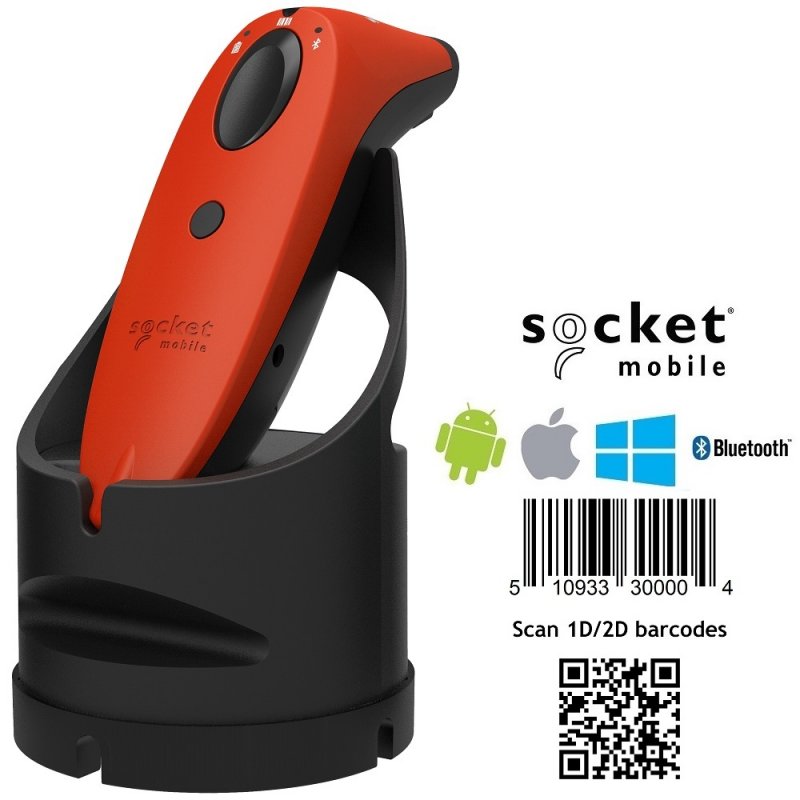
Socket S740 2D Barcode Scanner with Dock Red
Socket S740 2D Barcode Scanner with Dock Red
Normally $795$659GST Inc
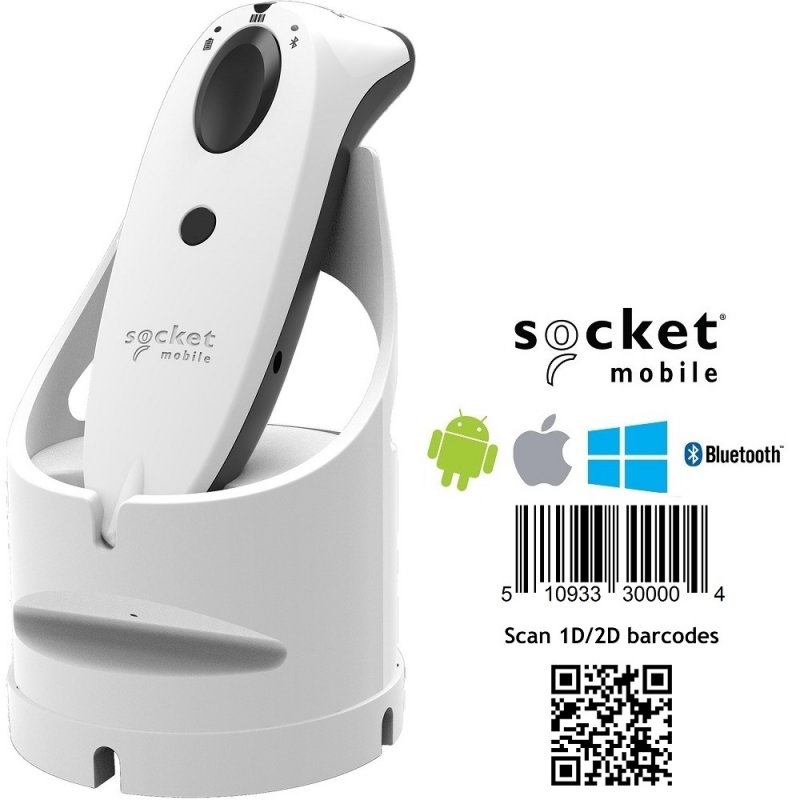
CX3487-1982
Socket S740 White 2D Barcode Scanner with White Dock
Socket S740 White 2D Barcode Scanner with White Dock
Normally $795$659GST Inc
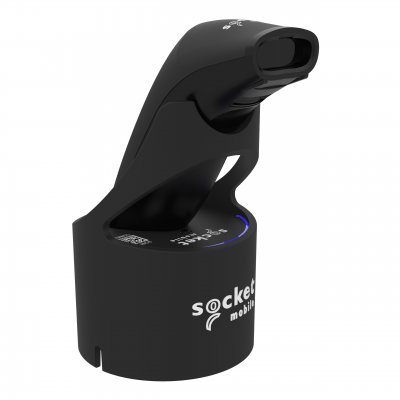
CX4845-4169
SocketScan S721 2D Bluetooth (BLE) Barcode Scanner, Black & Black Magic Dock
SocketScan S721 2D Bluetooth (BLE) Barcode Scanner, Black & Black Magic Dock
Normally $450$389GST Inc
Out of stock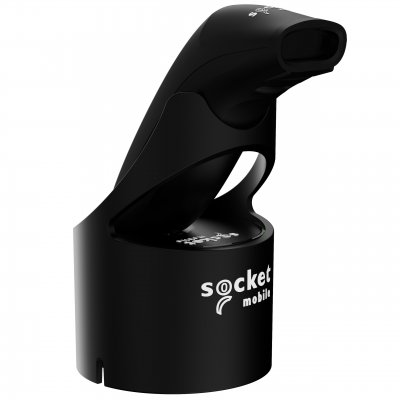
CX4642-3917
SocketScan S721 2D Bluetooth (BLE) Barcode Scanner, Black & Black USB-C Dock
SocketScan S721 2D Bluetooth (BLE) Barcode Scanner, Black & Black USB-C Dock
Normally $395$349GST Inc
Out of stock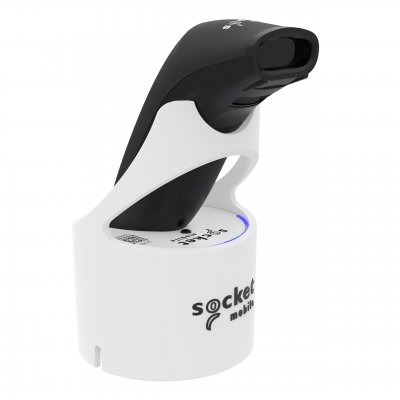
CX4846-4170
SocketScan S721 2D Bluetooth (BLE) Barcode Scanner, Black & White Magic Dock
SocketScan S721 2D Bluetooth (BLE) Barcode Scanner, Black & White Magic Dock
Normally $450$389GST Inc
Out of stock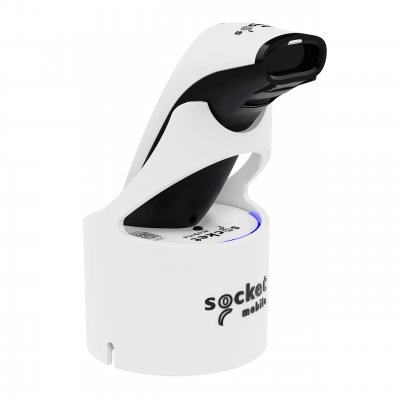
CX4854-4178
SocketScan S721 2D Bluetooth (BLE) Barcode Scanner, White & White Magic Dock
SocketScan S721 2D Bluetooth (BLE) Barcode Scanner, White & White Magic Dock
Normally $450$389GST Inc
Out of stock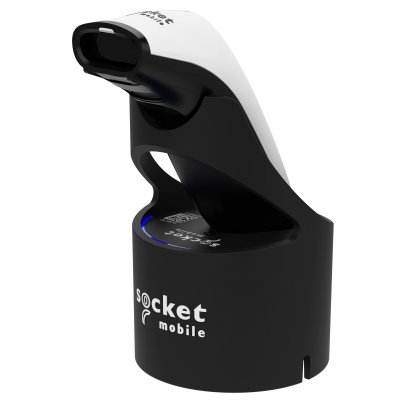
CX4865-4191
SocketScan S741 2D Bluetooth (BLE) Barcode Scanner, White & Black Magic Dock
SocketScan S741 2D Bluetooth (BLE) Barcode Scanner, White & Black Magic Dock
Normally $550$479GST Inc
Out of stock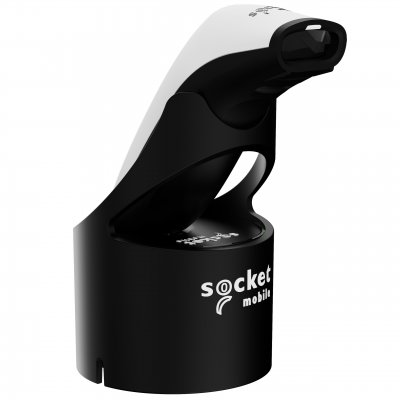
CX4672-3947
SocketScan S741 2D Bluetooth (BLE) Barcode Scanner, White & Black USB-C Dock
SocketScan S741 2D Bluetooth (BLE) Barcode Scanner, White & Black USB-C Dock
Normally $495$449GST Inc
Out of stock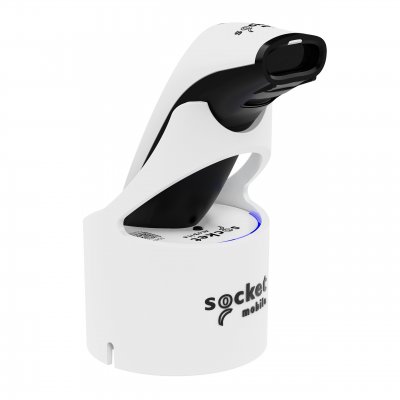
CX4866-4192
SocketScan S741 2D Bluetooth (BLE) Barcode Scanner, White & White Magic Dock
SocketScan S741 2D Bluetooth (BLE) Barcode Scanner, White & White Magic Dock
Normally $550$479GST Inc
Out of stockAll about WaiterOne POS Barcode Scanners
WaiterOne recommends and supports the Socket Mobile range of Barcode Scanners which pair directly to your device. You are best to choose the 1D version as there is no need or requirement to scan 2D barcodes in WaiterOne and plus, they are more expensive. It is also a good idea to get the Socket Barcode Scanner with Charging dock as it is much easier to recharge your scanner and it is also more convenient. The Socket Barcode Scanners are available in a range of colours.
It is really simple to setup the Socket Scanner in WaiterOne.
Firstly, you configure the scanner so it works in iOS mode which is generally a default option but should you need to change it, simply refer to the configuration sheet which comes with your scanner and scan the iOS Mode barcode. If you don't have this sheet for any reason, you can download it from the Socket Mobile website. You could also configure your scanner so it beeps or vibrates when you have read a good scan.
Secondly, pair the scanner with your iPad. It’s a Bluetooth scanner so you have to enable bluetooth on your iPad which can be found by going to Settings -> Bluetooth.
Thirdly, you need to activate your scanner in WaiterOne which can be done by going to Settings -> Barcode.
If you require any assistance choosing the best barcode scanner for your WaiterOne POS System, feel free to contact our POS Team via phone or email.