
CX3811-2571
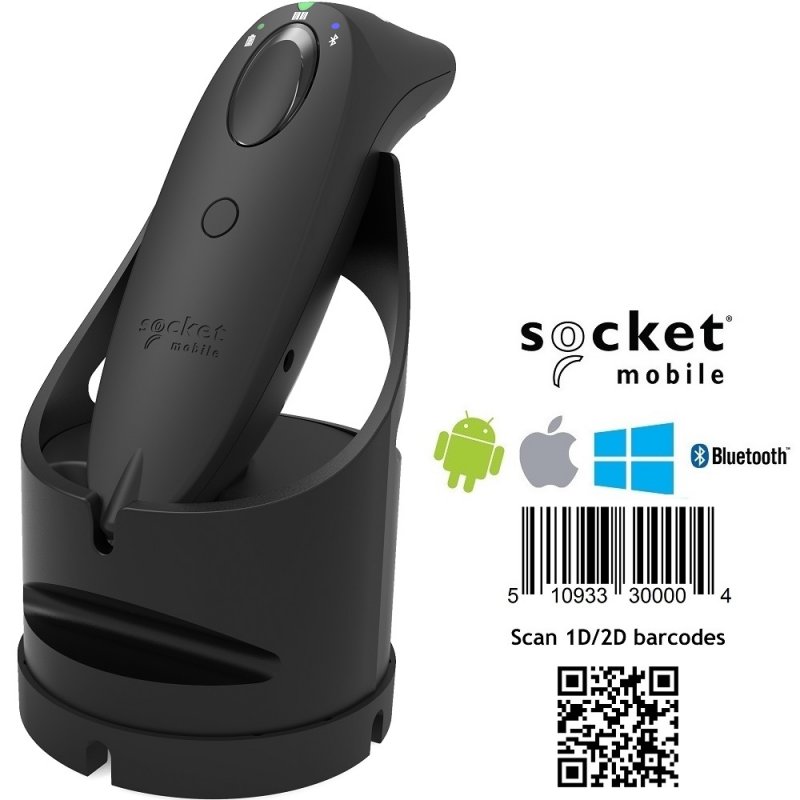
Socket S740 2D Barcode Scanner with Dock Black
Socket S740 2D Barcode Scanner with Dock Black
Normally $795$659GST Inc
CX3448-1911
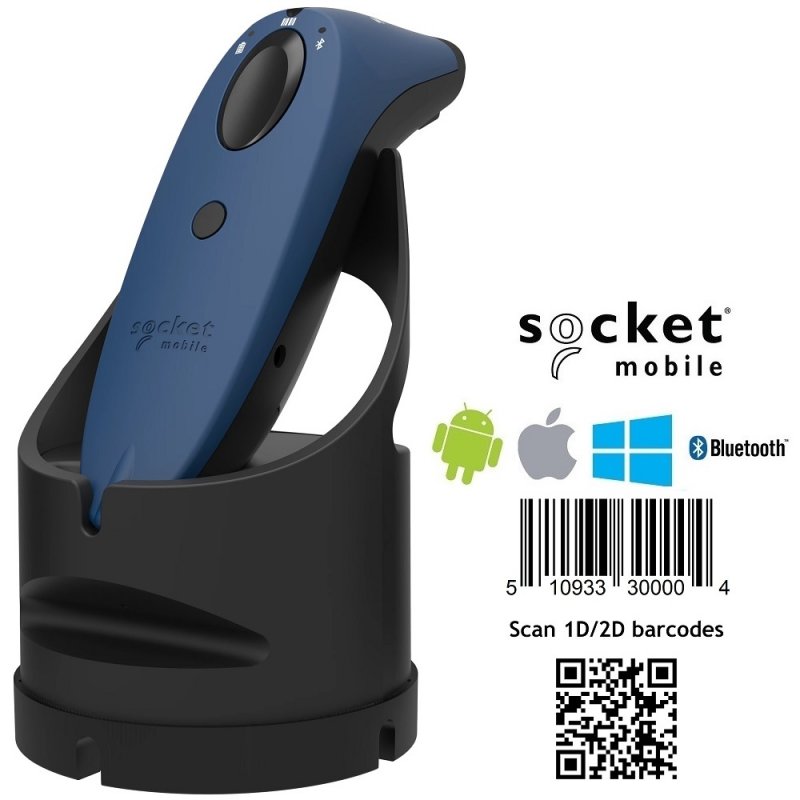
Socket S740 2D Barcode Scanner with Dock Blue
Socket S740 2D Barcode Scanner with Dock Blue
Normally $795$659GST Inc
CX3444-1907
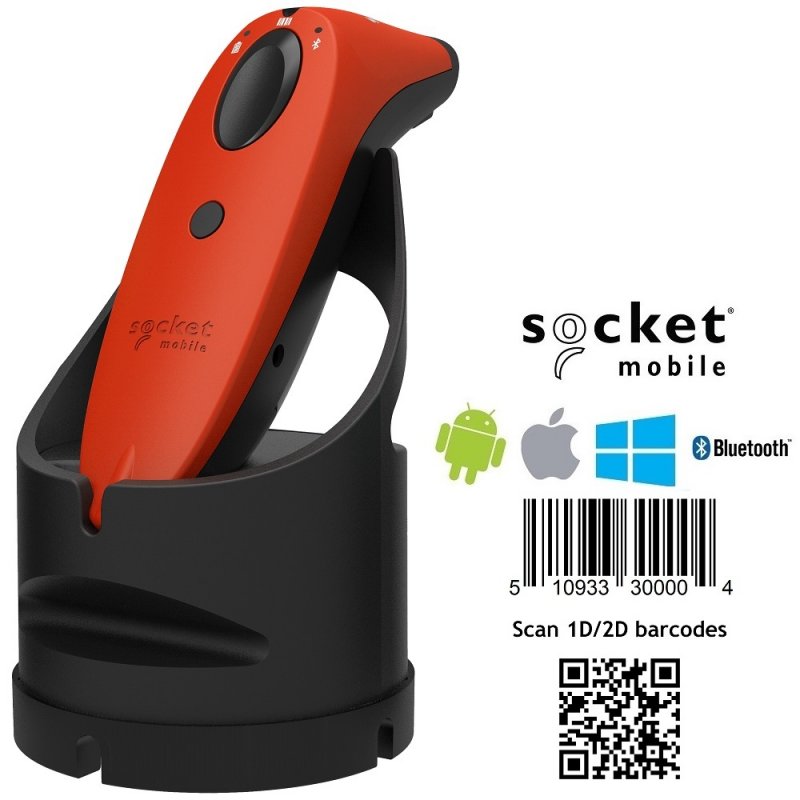
Socket S740 2D Barcode Scanner with Dock Red
Socket S740 2D Barcode Scanner with Dock Red
Normally $795$659GST Inc
CX3487-1982
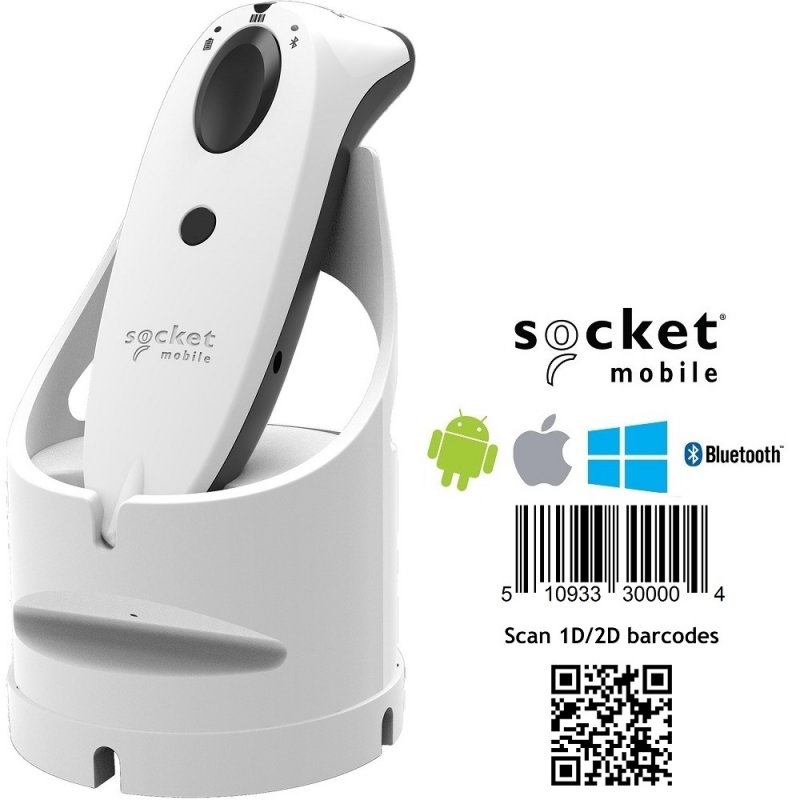
Socket S740 White 2D Barcode Scanner with White Dock
Socket S740 White 2D Barcode Scanner with White Dock
Normally $795$659GST Inc
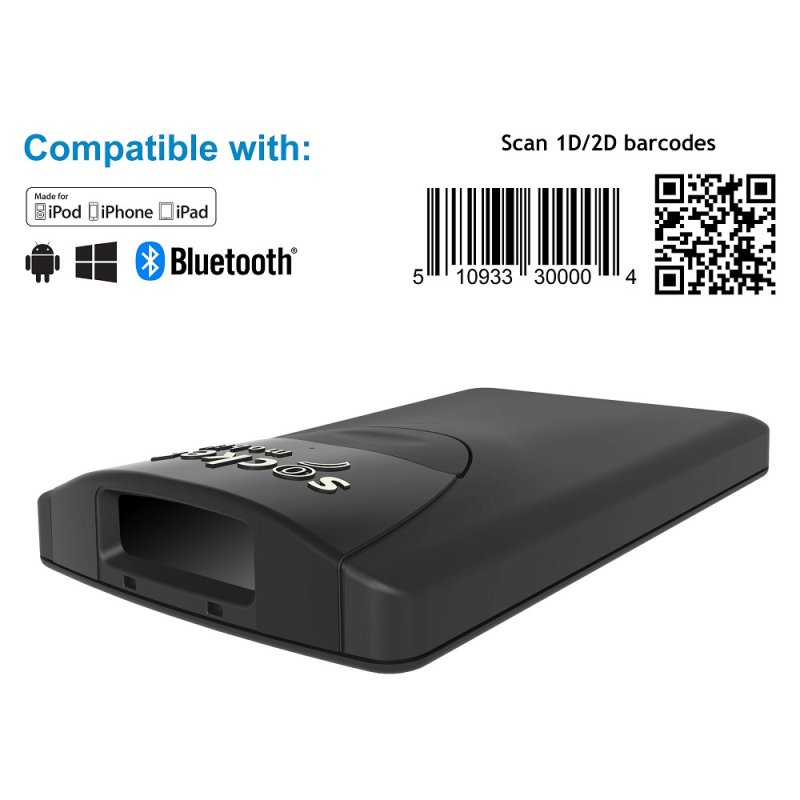
CX3388-1846
Socket S840 2D Bluetooth Barcode Scanner
Socket S840 2D Bluetooth Barcode Scanner
Normally $695$499GST Inc
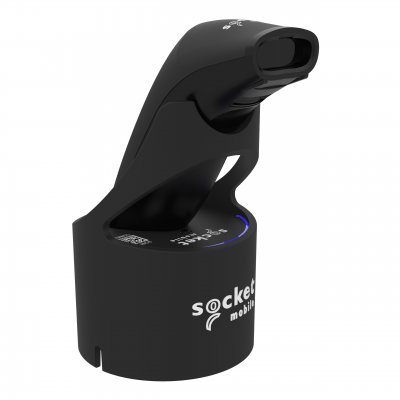
CX4845-4169
SocketScan S721 2D Bluetooth (BLE) Barcode Scanner, Black & Black Magic Dock
SocketScan S721 2D Bluetooth (BLE) Barcode Scanner, Black & Black Magic Dock
Normally $450$389GST Inc
Out of stock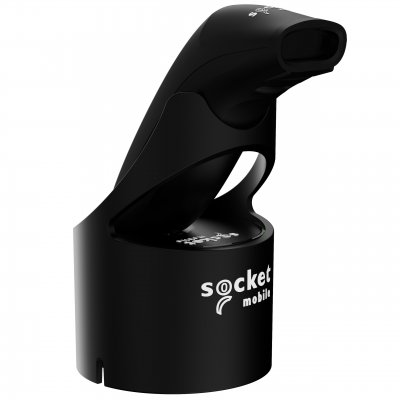
CX4642-3917
SocketScan S721 2D Bluetooth (BLE) Barcode Scanner, Black & Black USB-C Dock
SocketScan S721 2D Bluetooth (BLE) Barcode Scanner, Black & Black USB-C Dock
Normally $395$349GST Inc
Out of stock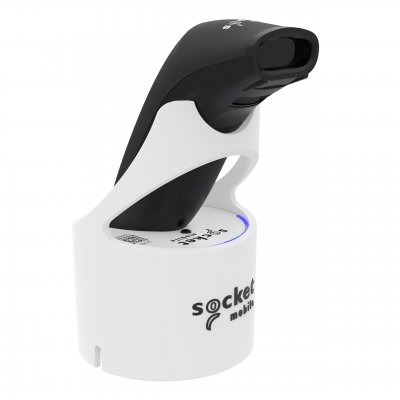
CX4846-4170
SocketScan S721 2D Bluetooth (BLE) Barcode Scanner, Black & White Magic Dock
SocketScan S721 2D Bluetooth (BLE) Barcode Scanner, Black & White Magic Dock
Normally $450$389GST Inc
Out of stock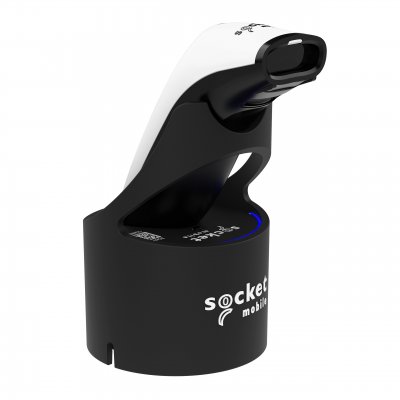
CX4853-4177
SocketScan S721 2D Bluetooth (BLE) Barcode Scanner, White & Black Magic Dock
SocketScan S721 2D Bluetooth (BLE) Barcode Scanner, White & Black Magic Dock
Normally $450$389GST Inc
Out of stock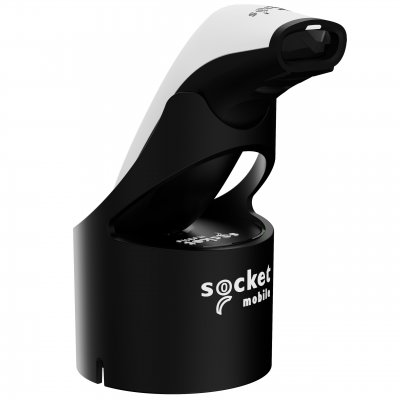
CX4653-3928
SocketScan S721 2D Bluetooth (BLE) Barcode Scanner, White & Black USB-C Dock
SocketScan S721 2D Bluetooth (BLE) Barcode Scanner, White & Black - USB-C Dock
Normally $395$349GST Inc
Out of stock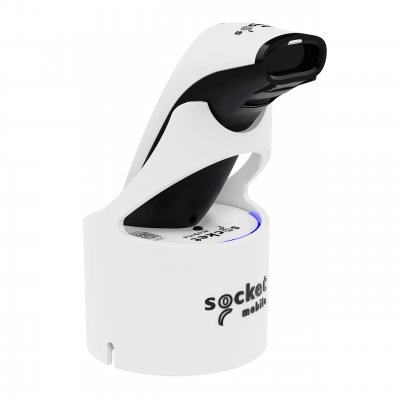
CX4854-4178
SocketScan S721 2D Bluetooth (BLE) Barcode Scanner, White & White Magic Dock
SocketScan S721 2D Bluetooth (BLE) Barcode Scanner, White & White Magic Dock
Normally $450$389GST Inc
Out of stock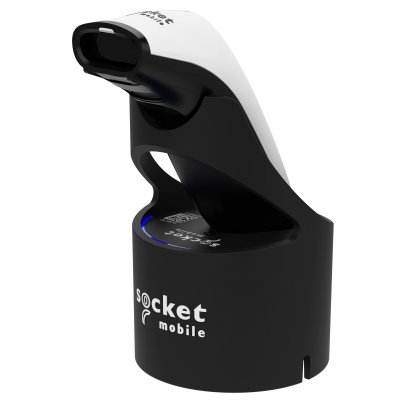
CX4865-4191
SocketScan S741 2D Bluetooth (BLE) Barcode Scanner, White & Black Magic Dock
SocketScan S741 2D Bluetooth (BLE) Barcode Scanner, White & Black Magic Dock
Normally $550$479GST Inc
Out of stock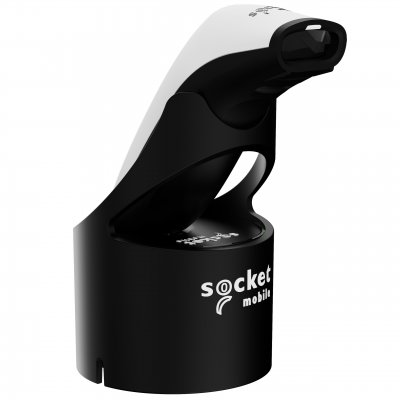
CX4672-3947
SocketScan S741 2D Bluetooth (BLE) Barcode Scanner, White & Black USB-C Dock
SocketScan S741 2D Bluetooth (BLE) Barcode Scanner, White & Black USB-C Dock
Normally $495$449GST Inc
Out of stock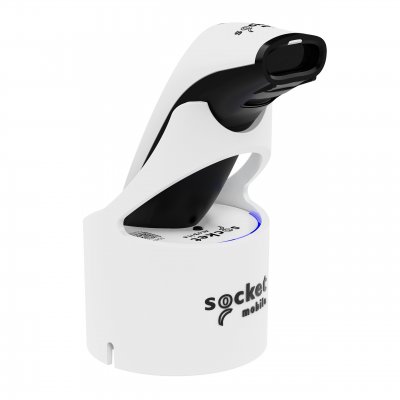
CX4866-4192
SocketScan S741 2D Bluetooth (BLE) Barcode Scanner, White & White Magic Dock
SocketScan S741 2D Bluetooth (BLE) Barcode Scanner, White & White Magic Dock
Normally $550$479GST Inc
Out of stockAll about MobiPOS Barcode Scanners
Connecting a Barcode Scanner with MobiPOS iPad Point of Sale Software is simple. We recommend using the Socket Mobile series of barcode scanners as they are reliable and have a long life battery.
Check out the below details for how to connect a Barcode Scanner with MobiPOS.
Turn on bluetooth and look for device that is listed.
Choose the barcode scanner that is shown in the list and proceed to pair.
Different barcode scanner has different pairing procedure, you should follow user manual that is included by the barcode scanner manufacturer.
If pairing is successful, user can first test it with Notes app in iPad.
Open the Notes app then scan any barcode with barcode scanner.
Barcode scanner acts as a keyboard, upon scanning the barcode, the barcode number will be shown on the notes.
If it shows correctly, scanning should work in MobiPOS as well.
To use this feature with MobiPOS, user has to be in Cash Register screen.
At this screen, make sure no pop up is shown, user can scan any transaction receipt or item's barcode.
If barcode is found, order will be added to receipt automatically.
If you require any assistance choosing the best Bluetooth Barcode Scanner, feel free to contact our POS Team by phone or email.